
Description
Specification
Monitor Application
Screen Shapes
Monitor Size
Screen Size
Monitor Refresh Rate
Display Resolution
Panel Type
Monitor Ratio
Built-in Speakers
Monitor Brightness
Static Contrast
Response Time, ms
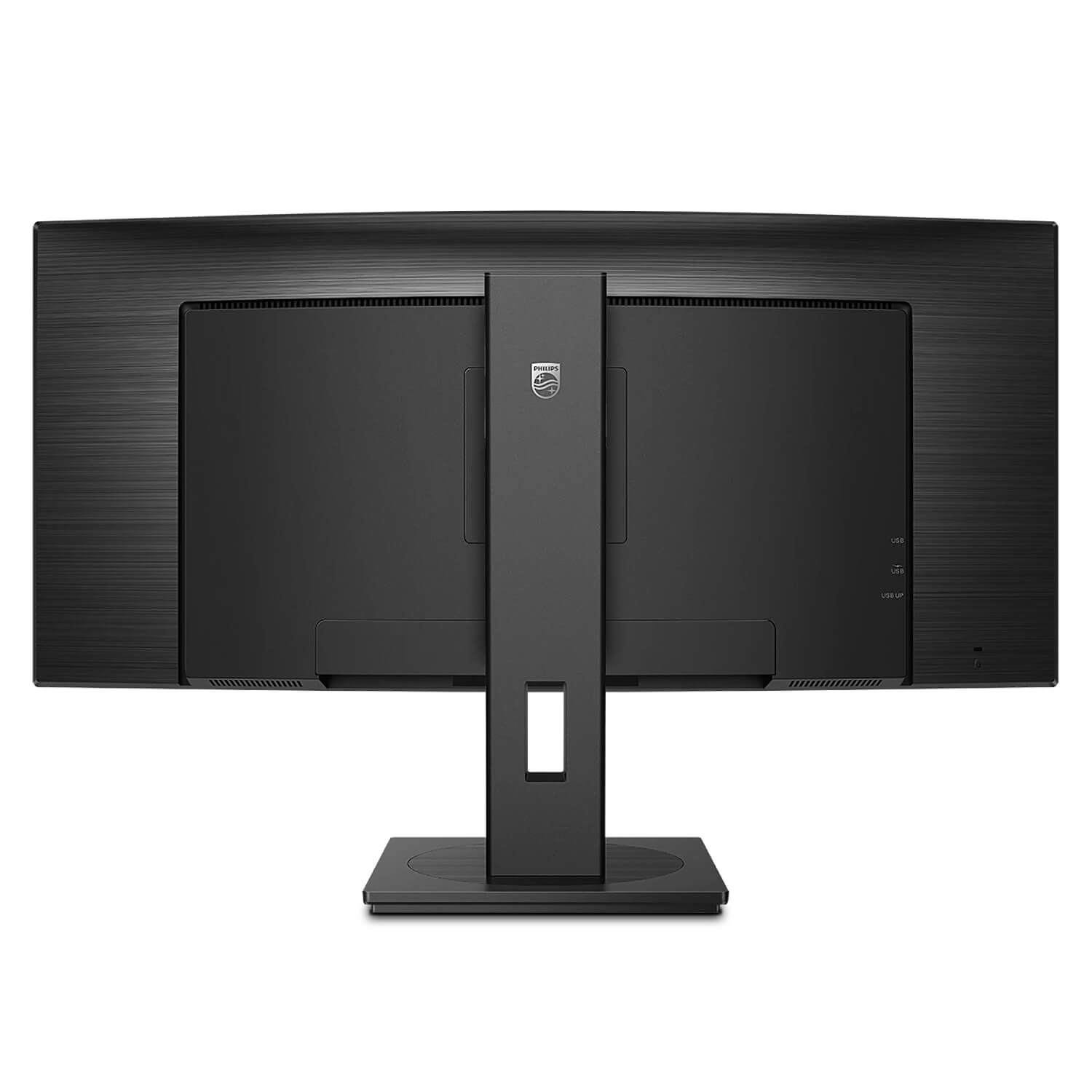
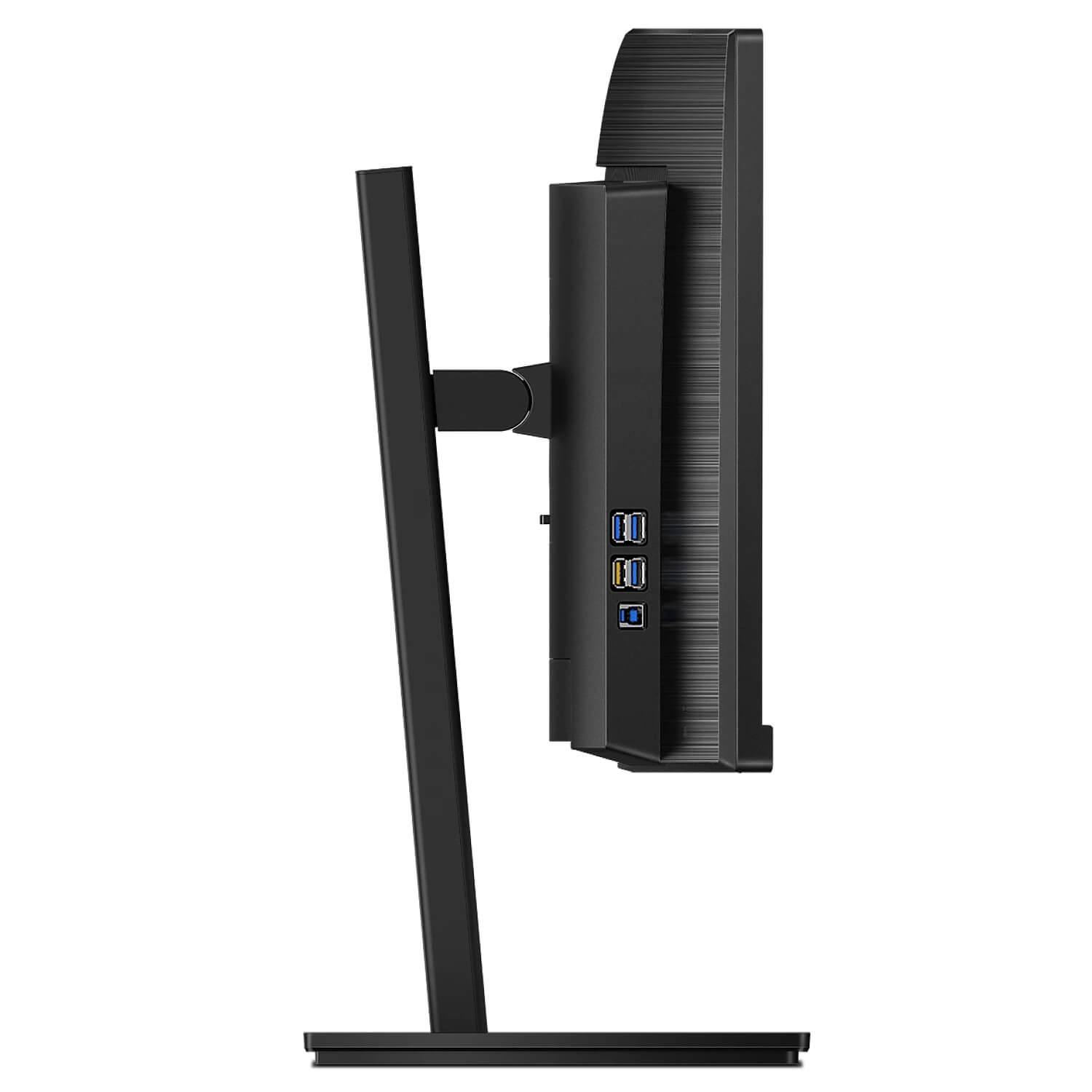
Monitor Connections
Monitor Features
Mechanical Movements
Vesa Type, mm
Color
Dimensions
Information
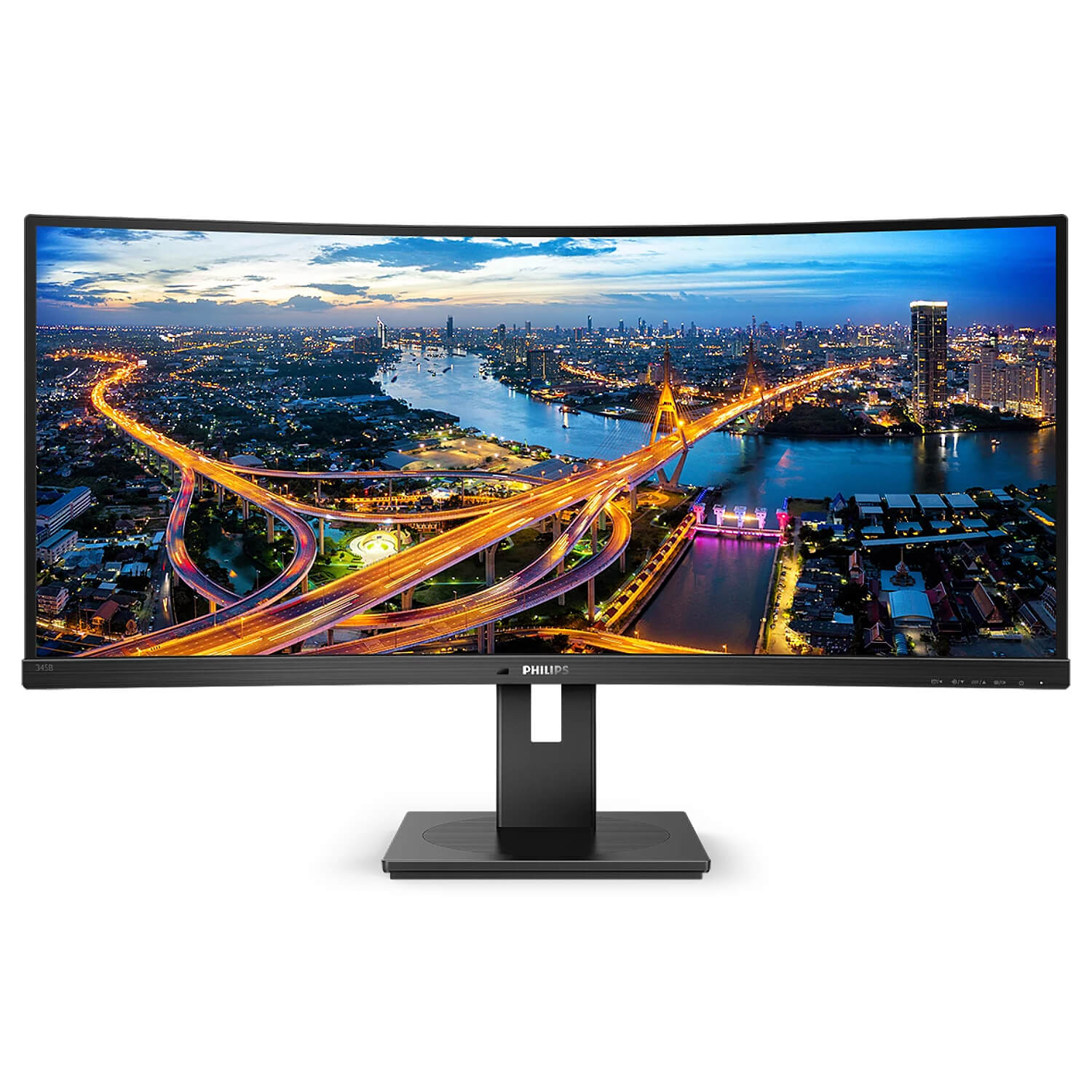
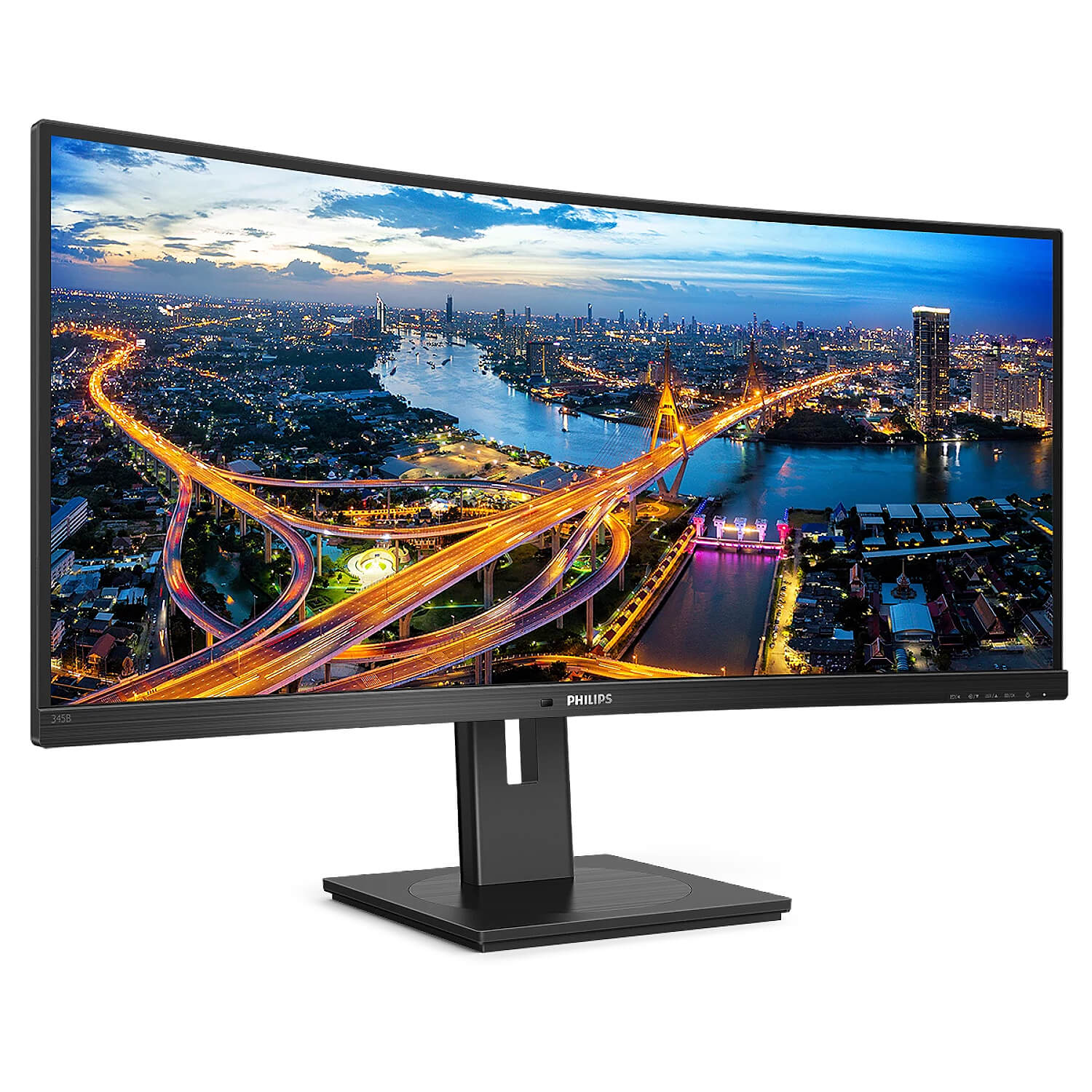
Philips 34″ UltraWide Curved VA WQHD
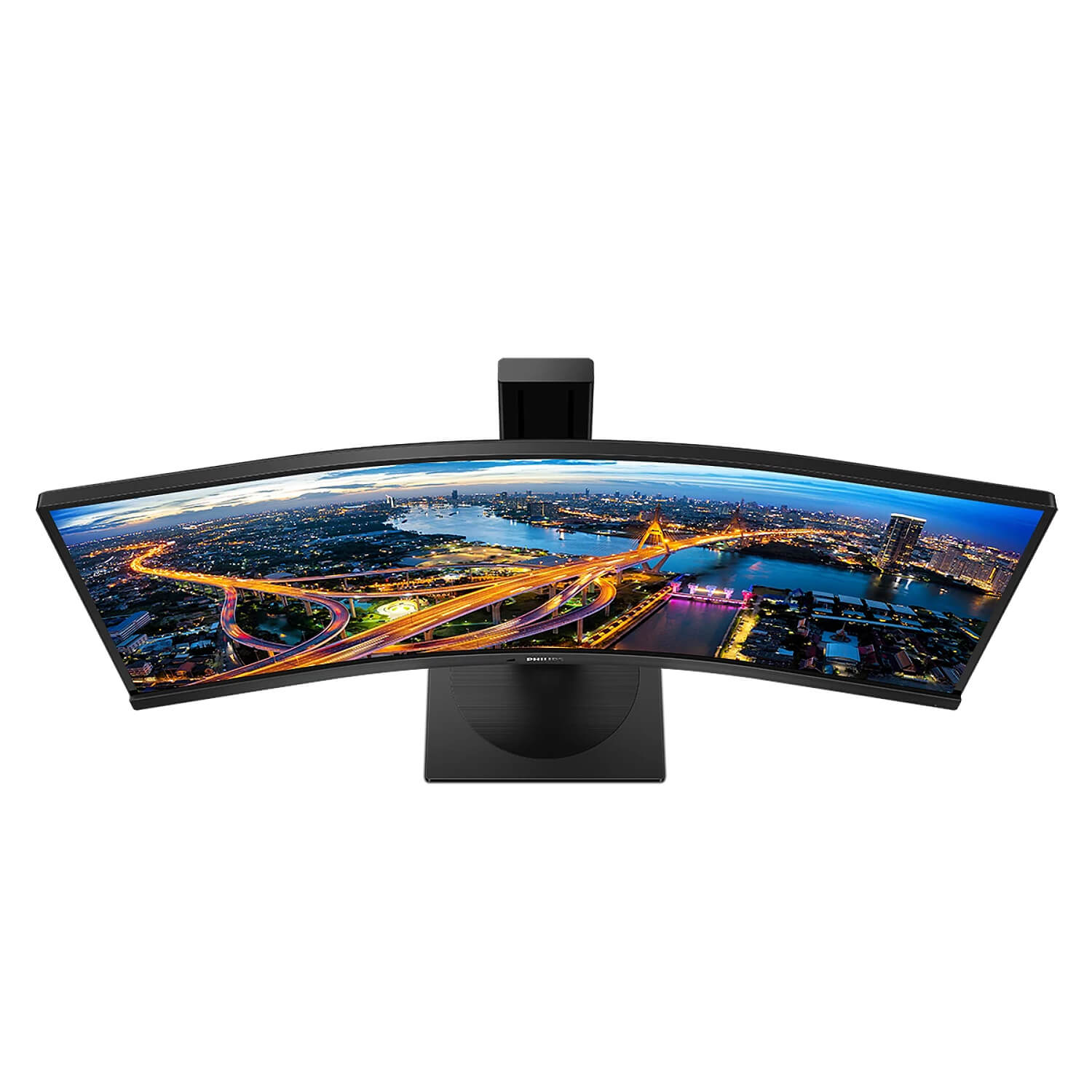
The Philips B line 34″ curved UltraWide display gives a wrap-around view of your work.
A crystal-clear WQHD display and ergonomic stand design make for optimal working conditions.
Eye comfort features with TUV certification to reduce eye fatigue.

CrystalClear images with UltraWide QHD
These Philips screens deliver Crystal Clear, UltraWide Quad HD 3440 x 1440 pixel images.
Utilising high-performance panels with high-density pixel count and 178/178 wide viewing angles, these new displays will make your images and graphics come alive.
The UltraWide 21:9 format enables more productivity with more room for side-by-side comparisons and more viewable spreadsheet columns.
Whether you are a demanding professional requiring extremely detailed information for CAD-CAM solutions or a financial wizard working on huge spreadsheets.

Adaptive-Sync technology
Gaming shouldn’t be a choice between choppy gameplay or broken frames.
Get fluid, artefact-free performance at virtually any frame rate with Adaptive-Sync technology, smooth quick refresh and ultra-fast response time.

Less eye fatigue with Flicker-Free technology
Due to the way brightness is controlled on LED-backlit screens, some users experience flicker on their screen which causes eye fatigue.
Philips Flicker-Free technology applies a new solution to regulate brightness and reduce flicker for more comfortable viewing.

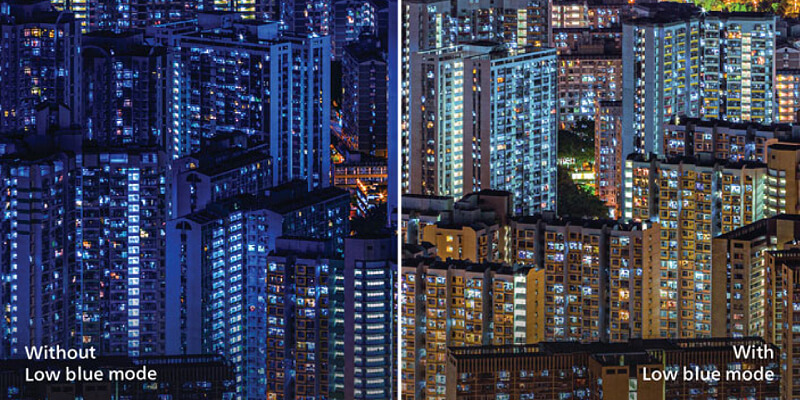
LowBlue Mode
Studies have shown that just as ultra-violet rays can cause eye damage,
shortwave-length blue light rays from LED displays can cause eye damage and affect vision over time.
Developed for wellbeing, the Philips LowBlue Mode setting uses a smart software technology to reduce harmful shortwave blue light.
PowerSensor
PowerSensor is a built-in ‘people sensor’ that transmits and receives harmless infrared signals to determine if the user is present
and automatically reduces monitor brightness when the user steps away from the desk,
cutting energy costs by up to 70 percent and prolonging monitor life.

LightSensor
LightSensor uses a smart sensor to adjust the picture brightness depending on the light conditions in the room
for the perfect picture with minimal power usage.

Reviews
There are no reviews yet.